

Notes for scattered minds
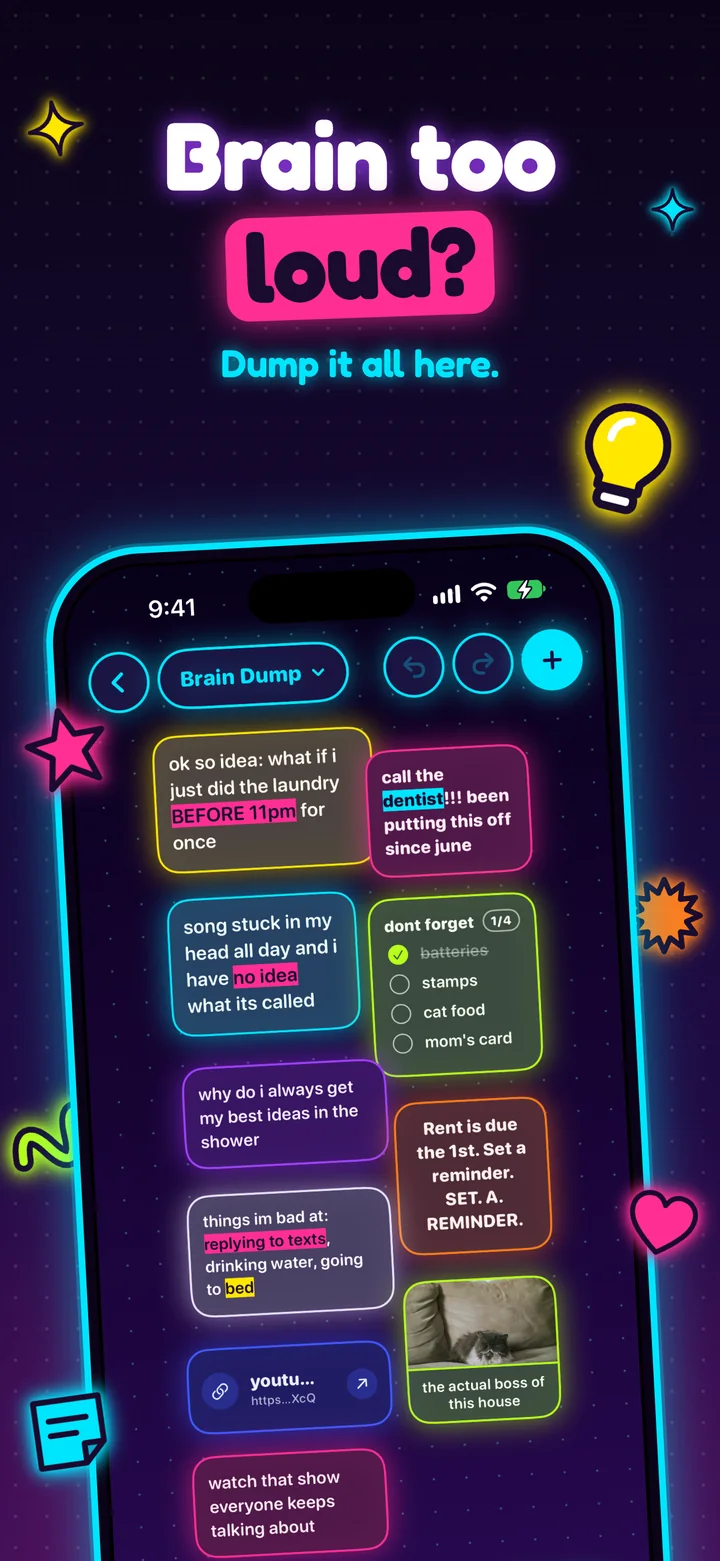
Dump it all here. Forma is a notes app that works the way a busy head does: every idea gets its own card, and you can drop it anywhere.
- batteries
- stamps
- cat food
- mom’s card
 the actual boss of this house
Inside the app
Loud on purpose.
01 / Capture
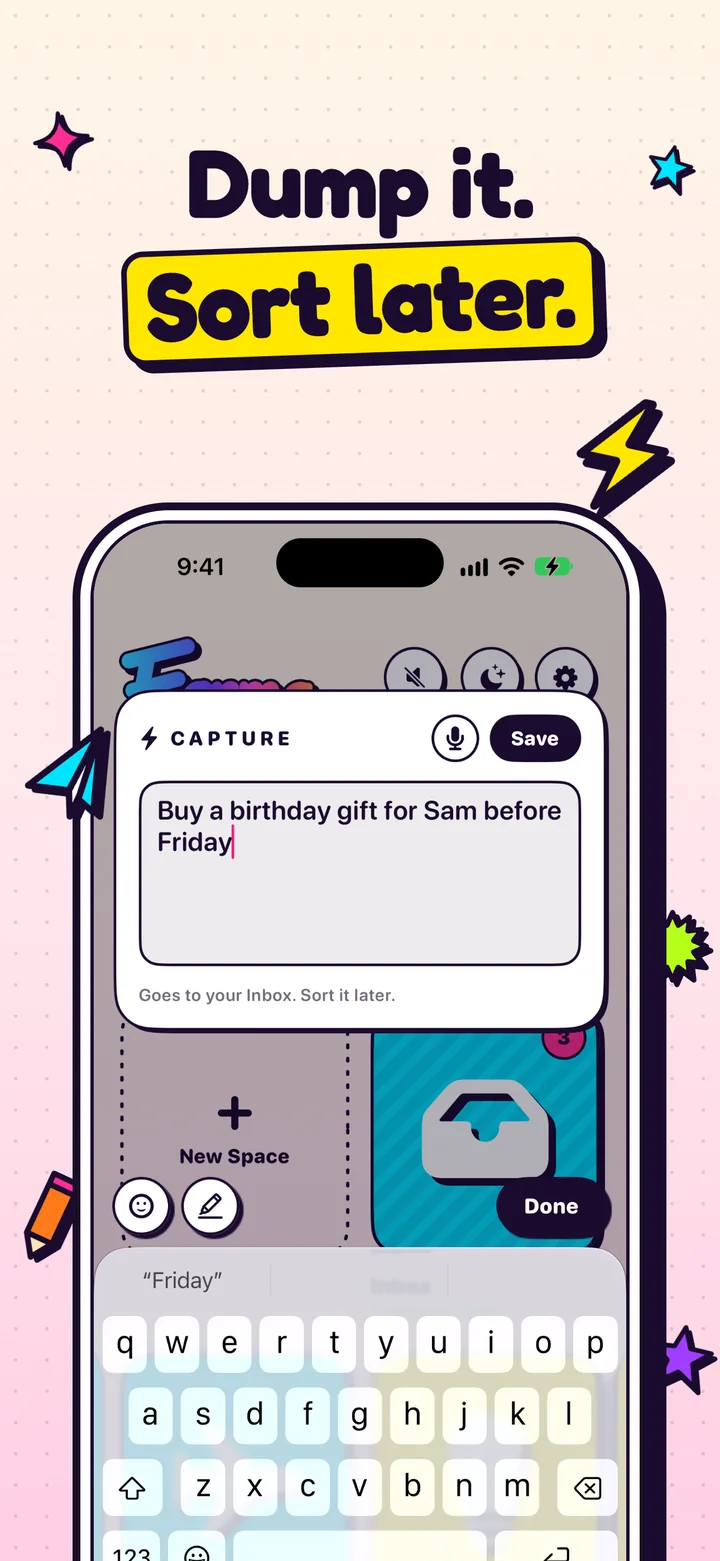
Dump it. Sort later.
One tap on the bolt and a thought is saved to your Inbox before it’s gone. No folder to pick, no title to think of. Deal with it whenever.
- Goes straight to your Inbox
- Search every Space at once and jump to the note
02 / The canvas
Messy is allowed.
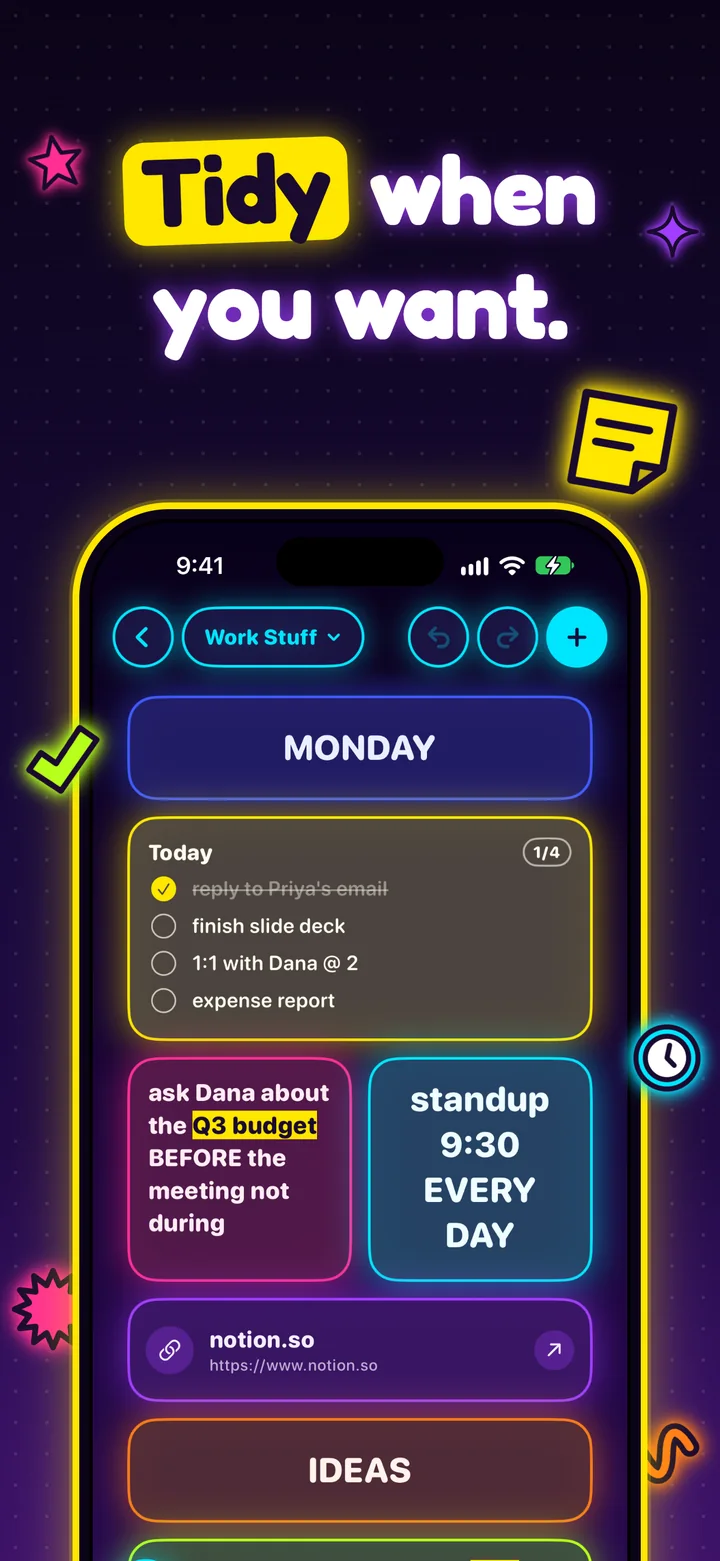
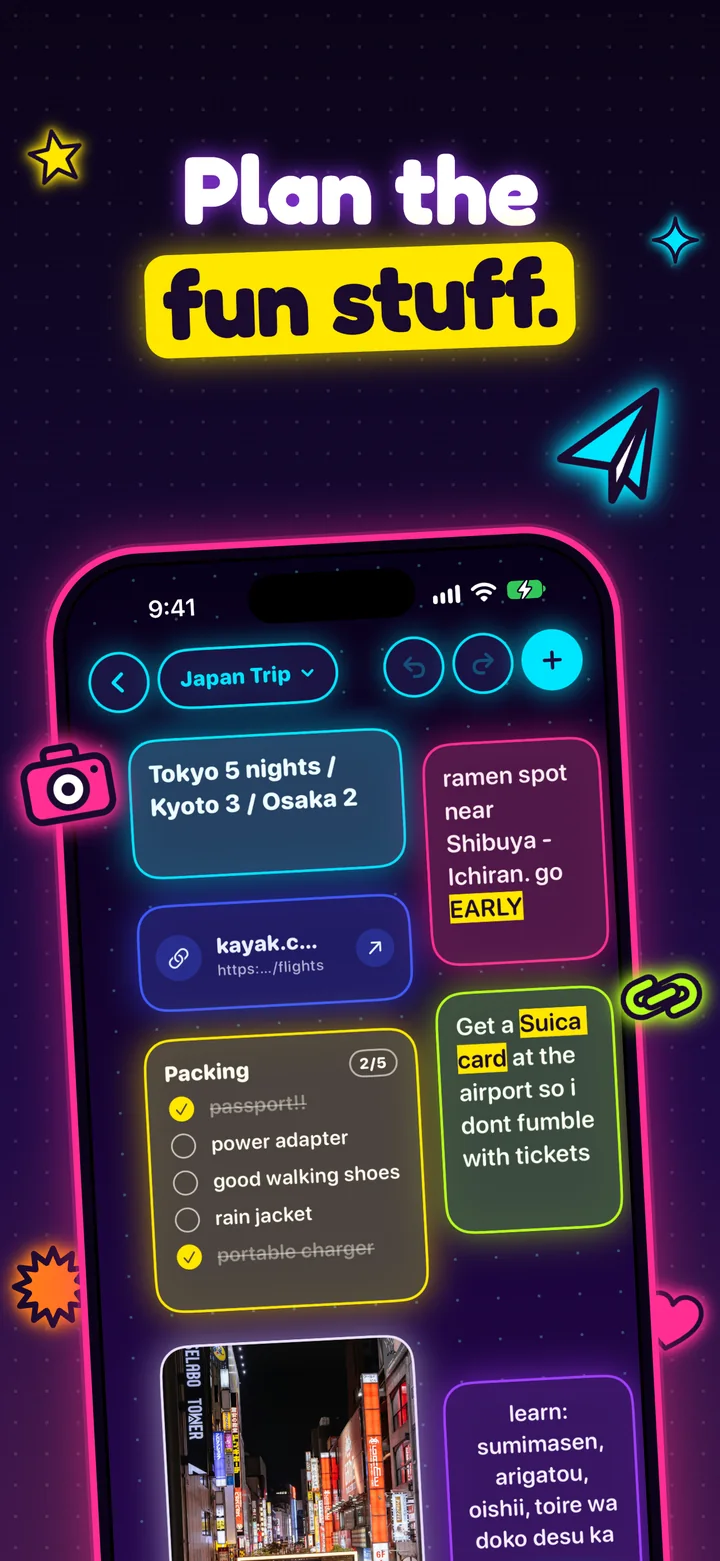
Give every idea its own card: text, a list, a photo, a link or a memory. Scatter them anywhere on a free canvas. When you can’t look at it anymore, switch to Snap and they line up like Home Screen icons.
- Scatter or Snap, per Space
- Tidy when you want, never because you have to
03 / Reminders
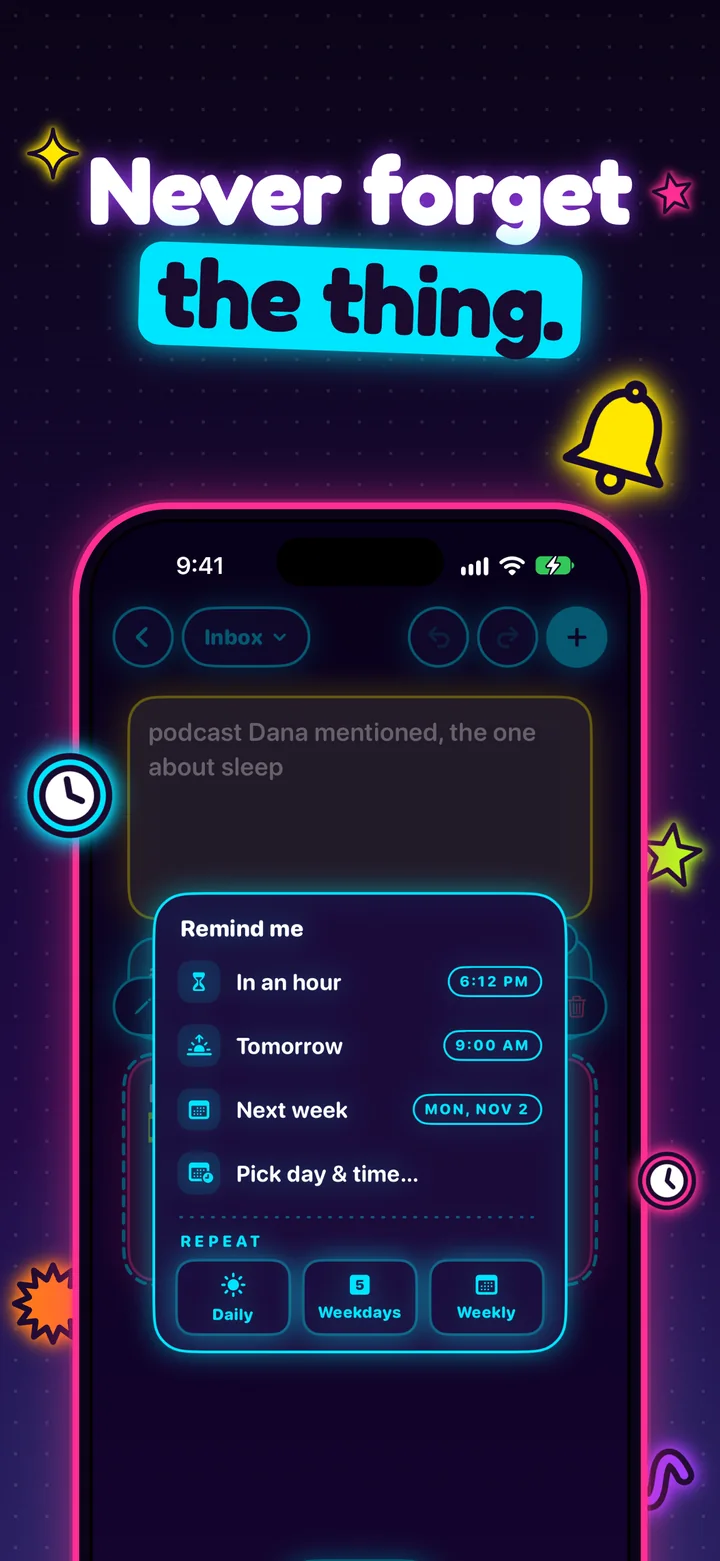
Never forget the thing.
Set a reminder on any note, and tapping the notification opens it. You land right on the thing, instead of opening the app and forgetting why.
- In an hour, tomorrow, next week, or pick a day
- Tapping the notification opens the note
04 / Lists
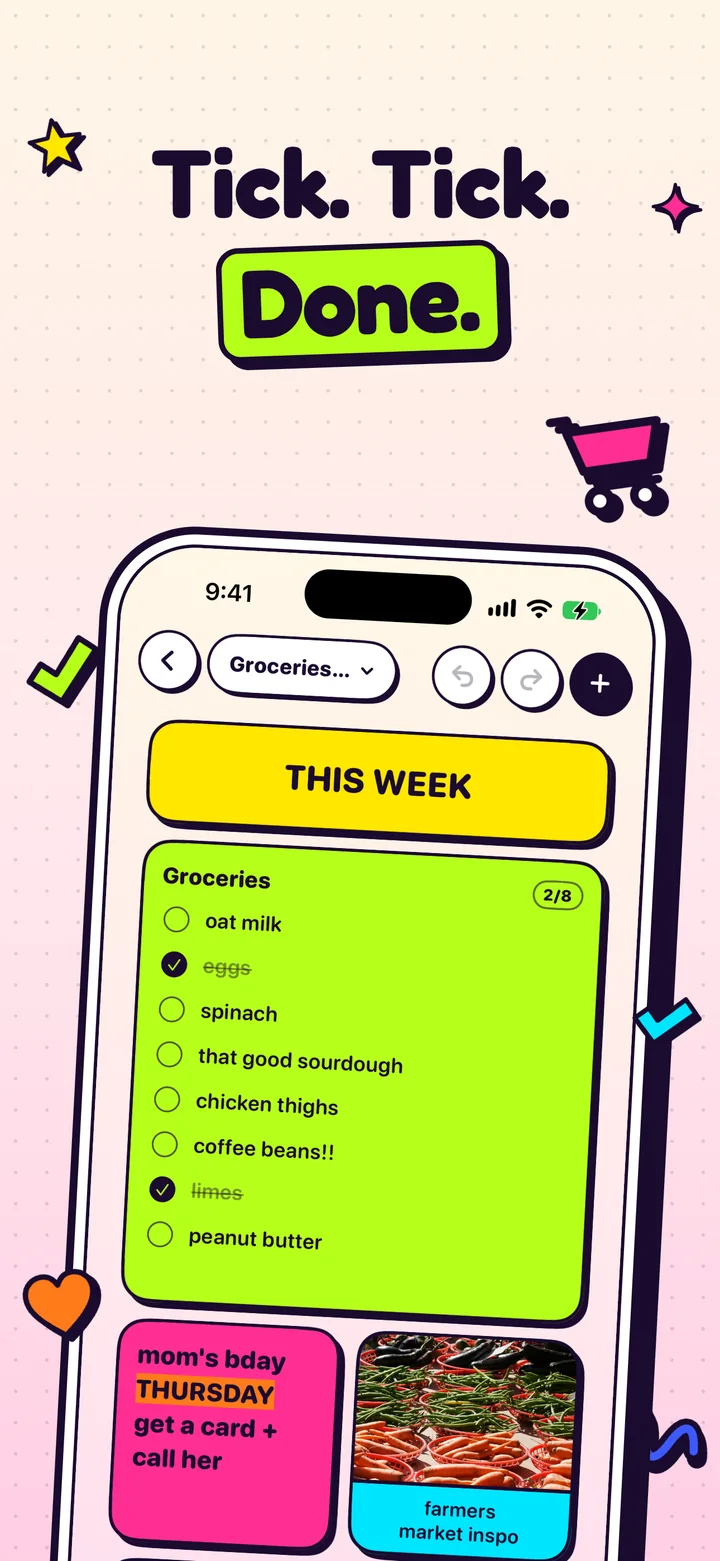
Tick. Tick. Done.
Lists show progress as you tick things off, and “Clear done” tidies up. Go ahead, this one works.
05 / Your words
Make it pop.
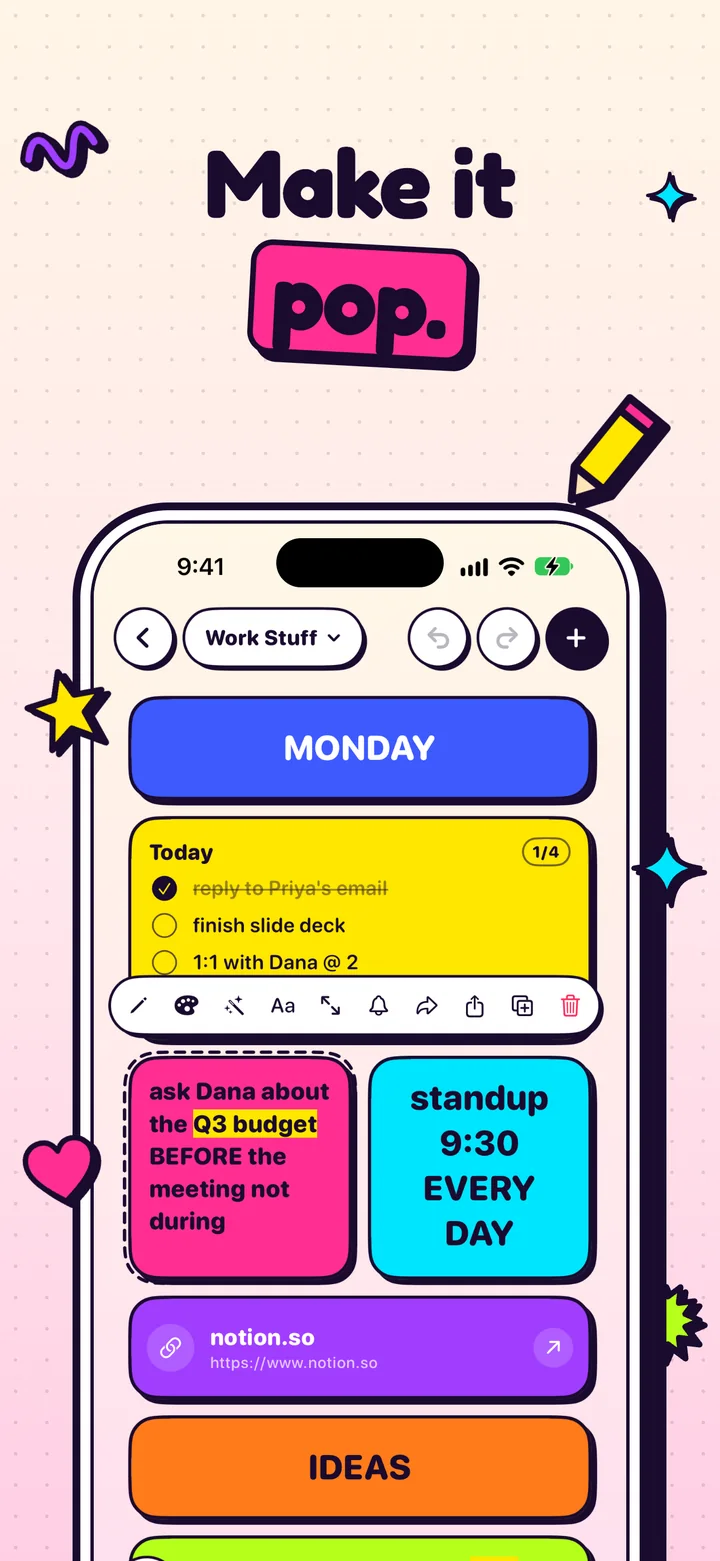
Highlight the words that matter, in five colors, and bold, italicize or resize a whole note. Then drop icons right into your text, because why not.
things im bad at: replying to texts, drinking water, going to bed
06 / Spaces
A Space for everything.
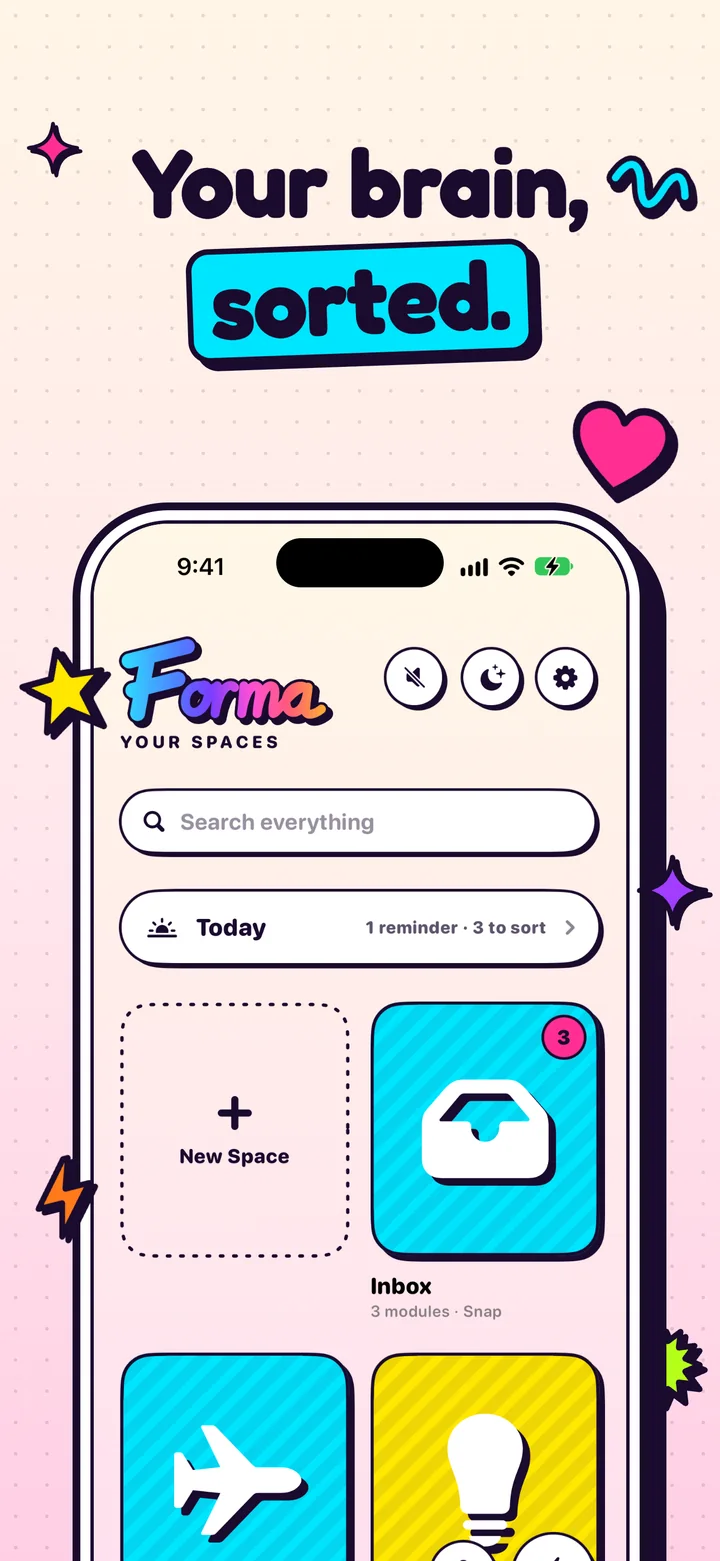
Group it all into Spaces and pick an icon for each one. Light and dark mode, arcade sound effects, and one switch to turn them off.
- Inbox
- Brain Dump
- Groceries + Errands
- Work Stuff
- Late Night Thoughts
- Japan Trip
07 / Private, always
Your notes stay yours.
No account, no ads, no tracking. Your notes live on your device, and any Space can be made Private, so it opens only with Face ID or your passcode. Forma never sees what you write.
- No account
- No ads
- No tracking
- Face ID Spaces
Your brain, sorted.
Forma is on its way to iPhone. Your head can keep being your head until then.
Coming soon